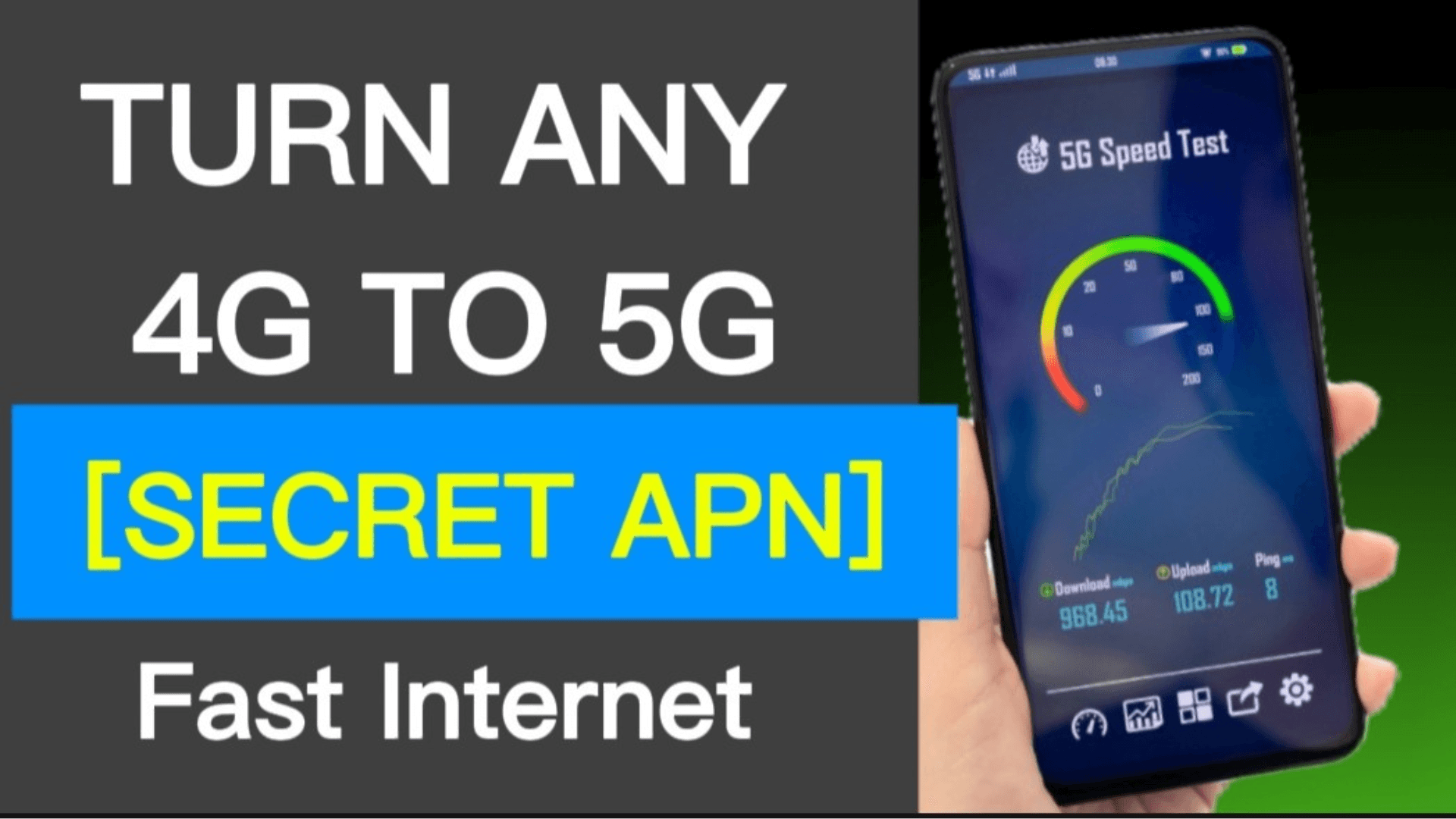

In today’s fast-paced world, a slow internet connection on your phone can be incredibly frustrating. Whether you’re streaming videos, scrolling through social media, or trying to load a simple webpage, those endless buffering wheels are a real hassle. One simple yet effective trick many people overlook is locking your network to 4G or 5G instead of letting your phone automatically switch between them. This can lead to more stable and often faster speeds, especially in areas where signals fluctuate.
What Is Locking Your Network to 4G or 5G?
Locking your network to 4G or 5G is a setting adjustment on your smartphone that forces it to connect only to a specific type of cellular network—either 4G (also known as LTE) or 5G—instead of automatically choosing based on availability. By default, most phones are set to “auto” mode, which switches between networks to balance speed, coverage, and battery life.
This technique is particularly useful for anyone experiencing inconsistent mobile data performance. It’s commonly used by:
- Commuters dealing with spotty signals on trains or in rural areas
- Heavy data users who stream or download frequently
- Gamers needing lower latency for smoother online play
- Remote workers relying on mobile hotspots
What makes locking to 4G or 5G stand out:
- Provides greater control over your connection stability
- Avoids unnecessary switching that can cause lags or drops
- Often results in better real-world speeds than erratic auto mode
- Works on both Android and iOS devices with minimal effort
Key Features
Here are the main aspects of manually locking your phone’s network mode:
- Preferred Network Selection: Choose LTE only (4G), 5G only, or specific combinations to prevent fallback to slower options like 3G.
- Stability Focus: Locks out weaker or congested bands, reducing interruptions from signal handoffs.
- Built-in Phone Settings: Accessible directly in most devices without extra tools.
- Advanced Access Options: Use hidden menus (like dialing codes on Android) or simple toggles on iPhone for precise control.
- Temporary or Permanent: Easily switch back to auto when needed.
- Battery Optimization: Can extend battery life by stopping constant network searching in fringe areas.
These features make it a smart, no-cost way to tweak your phone’s performance.
Benefits of Locking Your Network to 4G or 5G
In daily life, this simple change can transform your mobile experience. Imagine loading pages instantly while on the move or enjoying uninterrupted video calls without drops. It helps in crowded places like concerts or offices where networks get congested, and it’s great for travel when signals vary.
Key benefits include:
- Faster, more consistent download and upload speeds
- Reduced buffering during streaming or browsing
- Lower latency for gaming and video calls
- Better battery life by avoiding energy-draining signal hunts
- Improved reliability in areas with mixed coverage
- Enhanced security by sticking to modern networks (4G/5G are more secure than older ones)
Overall, it puts you in control, leading to less frustration and more productivity.
Recent Trends
As we move through 2025, 5G adoption continues to surge globally, with billions of connections now active. Networks are getting smarter with 5G-Advanced rollouts in regions like Asia and Europe, offering even better performance. However, many users still find mature 4G networks more reliable in everyday scenarios due to wider coverage and less congestion.
- Rapid expansion of standalone 5G networks for true next-gen speeds
- Growing use of RedCap technology for efficient mid-tier devices
- Increased private 5G deployments in industries for dedicated stability
- Focus on carrier aggregation to combine bands for peak performance
- Shift toward user-controlled settings as people prioritize real-world reliability over theoretical max speeds
- Ongoing improvements in low-latency features for AR/VR and IoT
These developments show networks evolving to meet diverse needs, making manual locking more relevant than ever.
Pros of Locking Your Network to 4G or 5G
| Pros | Description |
|---|---|
| Improved Stability | Prevents constant switching, leading to fewer drops and smoother connections |
| Faster Real-World Speeds | Often outperforms auto mode in weak or congested areas |
| Better Battery Life | Reduces power used for searching multiple networks |
| Lower Latency | Ideal for gaming, calls, and real-time apps |
| Enhanced Reliability | Sticks to proven networks, avoiding fallback to slower older ones |
| User Control | Customizable based on your location and needs |
Cons of Locking Your Network to 4G or 5G
| Cons | Description |
|---|---|
| Potential Loss of Coverage | May lose signal in areas where the locked network isn’t strong |
| No Automatic Fallback | Can’t switch to a better available option without manual change |
| Possible Battery Drain in Poor Areas | Constantly seeking the locked network if unavailable |
| Limited Voice Calls on Some Modes | Certain locks (like pure 5G) might affect traditional calling |
| Device Compatibility Issues | Not all phones support easy locking or all modes |
| Missed Peak Speeds | Could overlook stronger signals on the non-locked network |
Alternatives to Locking Your Network to 4G or 5G
| Alternative | Description |
|---|---|
| Auto Network Mode | Default setting that balances speed, coverage, and battery automatically |
| Signal Boosters | External devices to amplify weak signals in homes or vehicles |
| Wi-Fi Calling/Hotspots | Switch to Wi-Fi for data when cellular is unreliable |
| Network Switching Apps | Tools for easier toggling, though built-in settings often suffice |
| Carrier Plan Upgrades | Higher-tier plans with prioritized access or better coverage |
Why Use Locking Your Network to 4G or 5G
In a world where reliable connectivity is essential, locking your network gives you the edge. It addresses common pain points like slow loading in transitional areas or battery drain from indecisive signals. For many, it’s a game-changer that delivers noticeable improvements without buying new gear. Whether you’re in a 5G-heavy city or relying on solid 4G elsewhere, this approach ensures you’re getting the best possible performance from your current setup. It’s simple, free, and empowers you to optimize based on real conditions.
Mistakes to Avoid
Even with the best intentions, some common errors can undermine your efforts. Here’s how to steer clear:
- Locking to 5G in areas with poor coverage—always test signals first to avoid no-service zones.
- Forgetting to switch back in changing environments, like traveling from city to rural spots.
- Ignoring battery impact in fringe areas where the phone struggles to connect.
- Assuming one lock fits all—experiment with 4G vs 5G depending on your carrier and location.
- Overlooking device updates, as newer software often improves network handling.
- Not monitoring data usage, since faster stable speeds might encourage more consumption.
By avoiding these, you’ll maximize the benefits and enjoy a smoother experience.
Final Thoughts
Locking your network to 4G or 5G is a straightforward yet powerful way to boost your phone’s internet performance, offering stability, speed, and control in an increasingly connected world. From reducing frustrating lags to extending battery life, the advantages can make a real difference in your daily routine.
Give it a try in your usual spots—you might be surprised at the improvement. Stay smart about your settings, adapt as needed, and enjoy a more reliable mobile life. Your faster connection is just a quick tweak away!