
Introduction
Smartphone security keeps evolving, and users now want protection that is fast, personal, and convenient. That is where voice screen lock for Android comes in. Instead of typing patterns or PINs, you unlock your phone using your own voice. In a time where phones hold almost every part of our digital life, this smarter unlocking method is gaining real attention.
What Is Voice Screen Lock for Android?
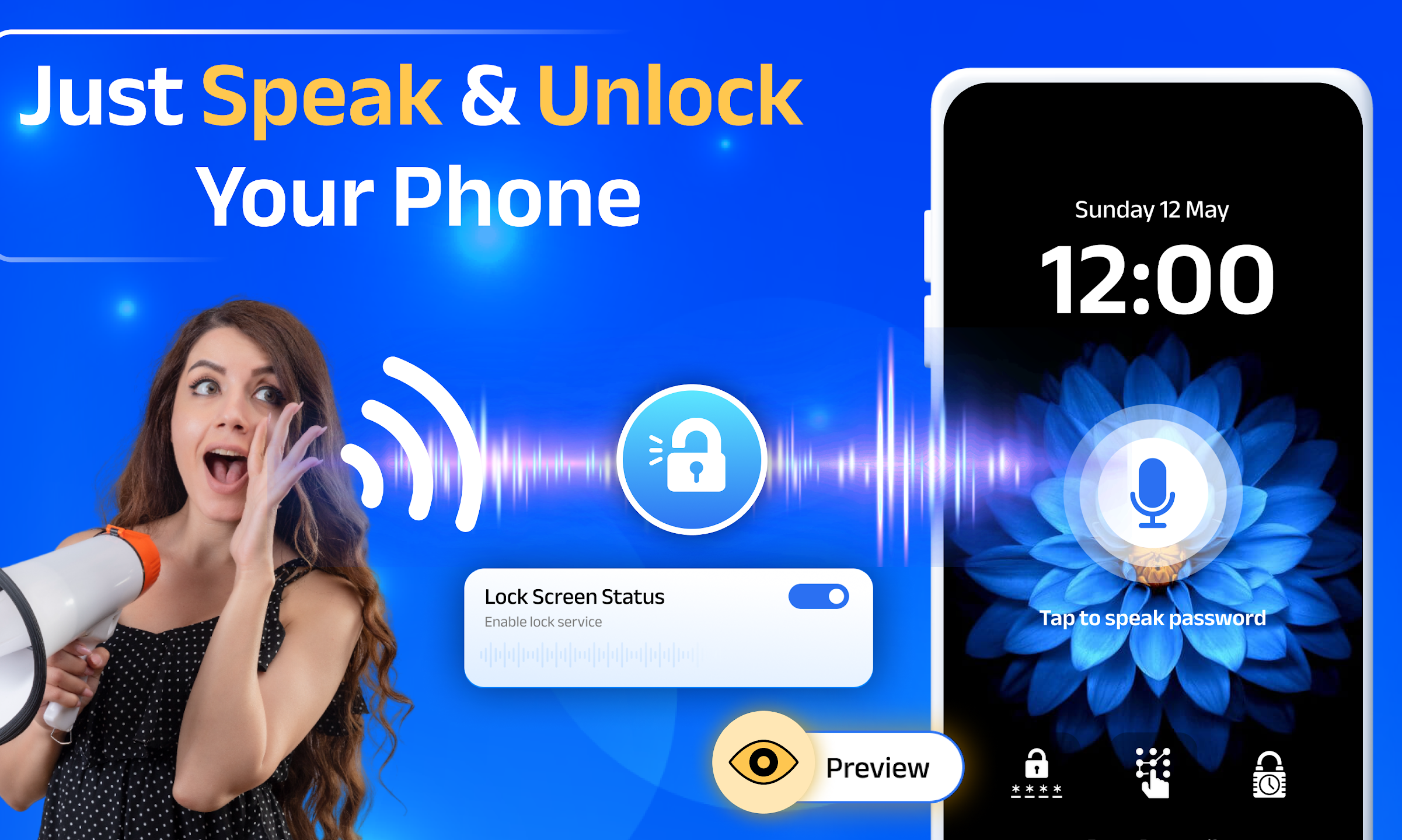
A voice screen lock for Android is a security feature or app that lets users unlock their phone using a predefined voice command or phrase. It works by recognizing your unique voice pattern and matching it with the saved command.
Who uses it and why
- Android users who want an alternative to PINs, passwords, or patterns
- People who prefer hands-free phone access
- Users with accessibility needs or mobility challenges
- Anyone looking to add a personal layer of phone security
What makes it stand out
- Uses your voice as a key, which is personal and hard to copy
- Adds convenience without removing existing lock options
- Works well alongside fingerprint or face lock
- Offers a modern and smart feel compared to traditional locks
Key Features
Voice screen lock apps usually come with several useful features designed for both security and ease of use.
- Custom voice command setup so users can choose their own phrase
- Voice recognition matching to identify the correct speaker
- Backup unlock options like PIN or pattern for safety
- Offline voice detection in many versions
- Low battery usage optimized for daily use
- Simple setup process suitable for beginners
- Multiple language support in advanced versions
These features make voice-based unlocking practical rather than just a novelty.
Benefits of Using Voice Screen Lock for Android
Using a voice screen lock for Android changes how you interact with your phone on a daily basis. It blends security with comfort.
In daily life, it helps users unlock their phones quickly when their hands are busy, such as while cooking, driving (when parked), or carrying items. It also adds a personal touch since your voice becomes the key, not just a number or shape.
Key benefits at a glance
- Faster unlocking without touching the screen
- More personal than patterns or PINs
- Helpful for users with physical limitations
- Reduces screen smudges and wear
- Works well as an extra security layer
Recent Trends in 2025
Voice-based security has improved noticeably in 2025, making voice screen locks more reliable and practical.
- Better voice accuracy even in noisy environments
- Improved offline voice recognition
- Enhanced protection against recorded voice attempts
- Support for multiple voice commands
- Better integration with Android system security
- Reduced false unlock attempts
- Lightweight apps with less storage usage
These trends show that voice screen lock technology is no longer experimental and is becoming more dependable.
Pros of Voice Screen Lock for Android
| Pros | Description |
|---|---|
| Easy to Use | Simple setup and straightforward daily use |
| Hands-Free Access | Unlocks phone without touching the screen |
| Personalized Security | Uses your own voice instead of generic codes |
| Accessibility Friendly | Helpful for users with limited hand movement |
| Modern Experience | Feels smarter than traditional lock methods |
| Works with Other Locks | Can be combined with PIN or fingerprint |
Cons of Voice Screen Lock for Android
| Cons | Description |
|---|---|
| Not Always Perfect | May struggle in very noisy surroundings |
| Voice Changes | Cold or illness can affect recognition |
| Security Limits | Not as strong as biometric methods alone |
| Setup Sensitivity | Requires clear voice setup for best results |
| Device Dependency | Performance varies by phone hardware |
| Learning Curve | New users may need time to adjust |
Alternatives of Voice Screen Lock for Android
| Alternative | Description |
|---|---|
| Fingerprint Lock | Fast and widely supported biometric option |
| Face Unlock | Uses facial recognition for quick access |
| Pattern Lock | Simple visual-based unlocking method |
| PIN or Password | Traditional and reliable security option |
| Smart Lock | Unlocks based on trusted devices or locations |
Each alternative has its own strengths, and many users combine them with voice lock for better balance.
Why to Use Voice Screen Lock for Android
Choosing a voice screen lock for Android makes sense if you value convenience and personalization. It is not meant to completely replace other security methods but to enhance them.
It fits well into modern lifestyles where users want faster access without sacrificing control. For people who enjoy trying smarter features, voice unlocking adds both function and style to everyday phone use.
Mistakes to Avoid
Many users do not get the best experience because of small setup or usage mistakes.
- Setting voice commands in noisy environments
- Using very short or common phrases
- Ignoring backup unlock options
- Expecting it to work perfectly in all conditions
- Not updating the app when improvements are available
Final Thoughts
Voice screen lock for Android offers a refreshing way to protect and access your phone. It brings together convenience, accessibility, and a personal touch that traditional locks lack. While it works best when combined with other security options, it clearly represents the future direction of smart device interaction. If used wisely and set up properly, it can make everyday phone use feel simpler, smarter, and more human.